A sleek modern iPad lying on a clean white desk, its screen displaying a crisp interface of a PDF editing app with pages, annotation tools, and share icons clearly visible. Next to the device, precisely arranged, are a silver stylus, a neatly stacked set of printed documents, and a minimalist notebook, all in muted neutral tones. Soft daylight from an unseen window washes across the scene, creating gentle reflections on the glass screen and subtle shadows along the desk edge. Shot from a slightly elevated angle with shallow depth of field, the focus is on the iPad display, conveying a professional, clutter-free, photographic realism ideal for a business-focused PDF editing service.

PDF編集アプリ

PDFとWordの編集・共有、OCR認識までを1つにまとめた、iOS向けの完全無料ツールです。ファイルを開くだけで、テキスト編集、コメント追加、ページ操作、クラウド連携がシームレスに行えます。個人情報を収集しない設計で、ビジネス文書や個人データも安心して扱えます。スマホ1台で、どこでも快適なドキュメント作業を体験してください。

A close-up of an iPad screen showing a detailed PDF document with highlighted text, comments in colored speech-bubble style boxes, and visible annotation tools along the side, emphasizing collaboration and editing. The device rests on a matte charcoal desk surface, with a USB-C cable neatly coiled beside it and a sleek wireless keyboard slightly out of focus in the background. Cool, diffused overhead lighting gives an even, professional illumination with minimal glare on the screen. Captured at eye level with a tight, centered composition and subtle bokeh in the background, the image feels precise, efficient, and modern, reinforcing the power and clarity of a mobile PDF editing and sharing app.

このアプリについて

このアプリは、PDFやWord文書の閲覧だけでなく、「編集」「変換」「共有」までをワンストップで行えるドキュメントツールです。iOS専用かつ完全無料で提供しており、ユーザー登録や個人情報の入力も不要です。移動中のちょっとした修正から、打ち合わせ前の最終チェックまで、パソコンがなくてもスムーズに対応できる環境を目指して開発されています。

主な機能

An iPad placed on a light wooden tabletop, its screen split between a PDF document and a Word document, demonstrating seamless editing of both formats. Icons for OCR, share options, and cloud storage appear along the top bar. Around the device are orderly items: a translucent folder with visible printed forms, a slim USB drive, and a pair of minimalist over-ear headphones resting nearby. Warm afternoon sunlight from the side casts soft, angled shadows and highlights the wood grain texture, creating a calm yet productive atmosphere. Shot from a three-quarter overhead angle with sharp focus throughout, the photographic style is clean, modern, and specifically tailored to showcase an all-in-one mobile document solution.

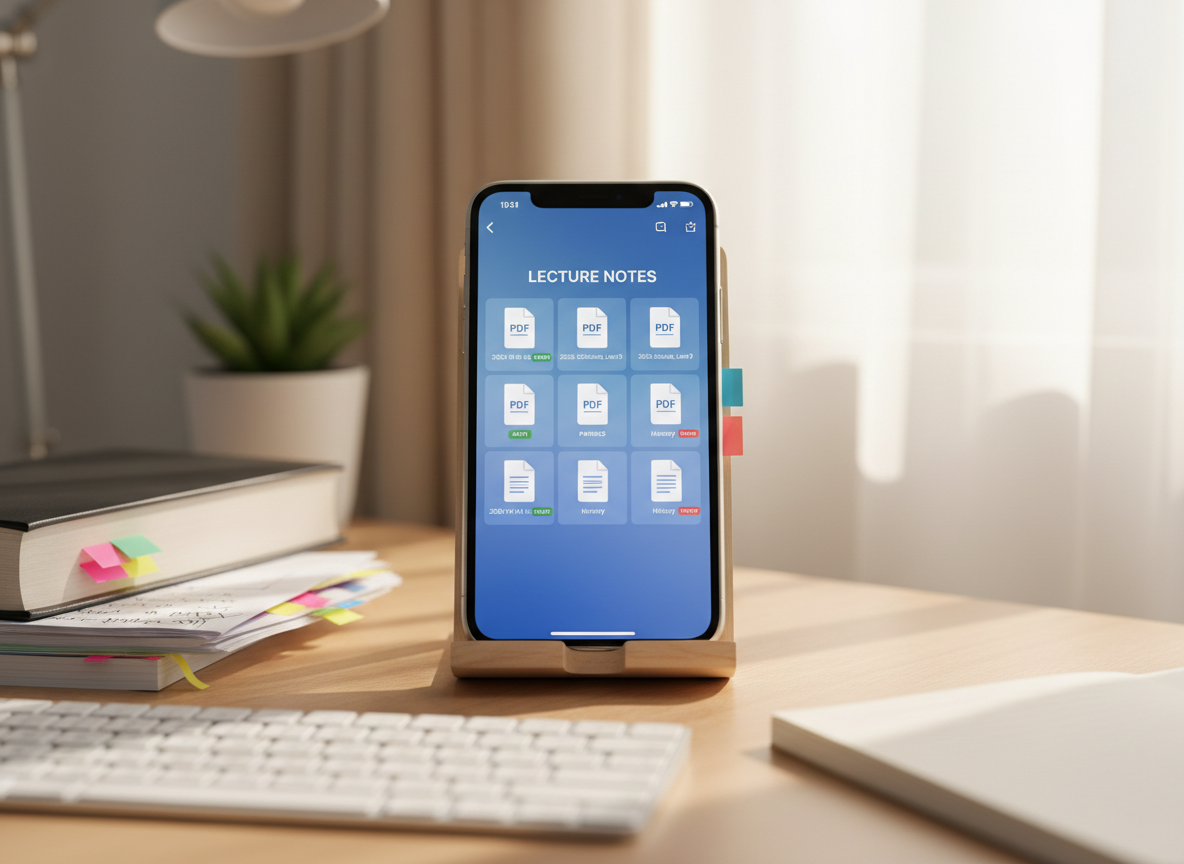
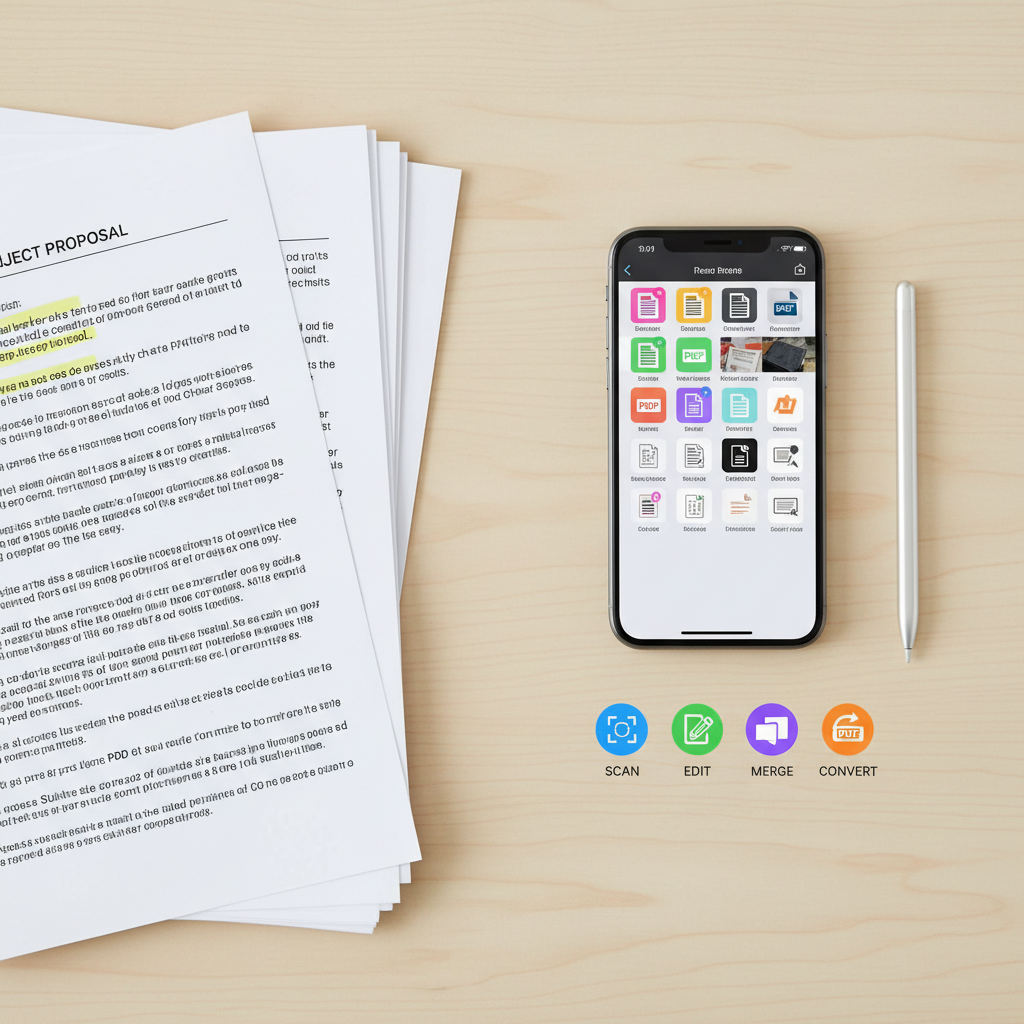
PDFファイルのテキスト編集、ページの追加・削除・並べ替え、分割・結合といった基本操作を、シンプルなボタン配置で直感的に行えます。手書きメモやハイライト、スタンプの追加にも対応しており、資料へのコメント入れや校正作業にも最適です。保存形式の変更や圧縮機能も備えているため、メール添付やオンライン提出にもすぐ対応できます。

A stark, minimalist composition featuring an iPad on a dark slate surface, its lock screen clearly displaying security icons such as a shield and a crossed-out profile silhouette, emphasizing privacy and no personal data collection. Around the device, there are no clutter or extra objects, just a subtle reflection of the tablet on the surface. Cool-toned studio lighting from above creates a focused pool of light on the device, fading into soft darkness at the edges of the frame. The shot is centered and symmetrical, photographed at a slight angle from above, conveying trust, protection, and a highly professional, business-oriented aesthetic in realistic detail.

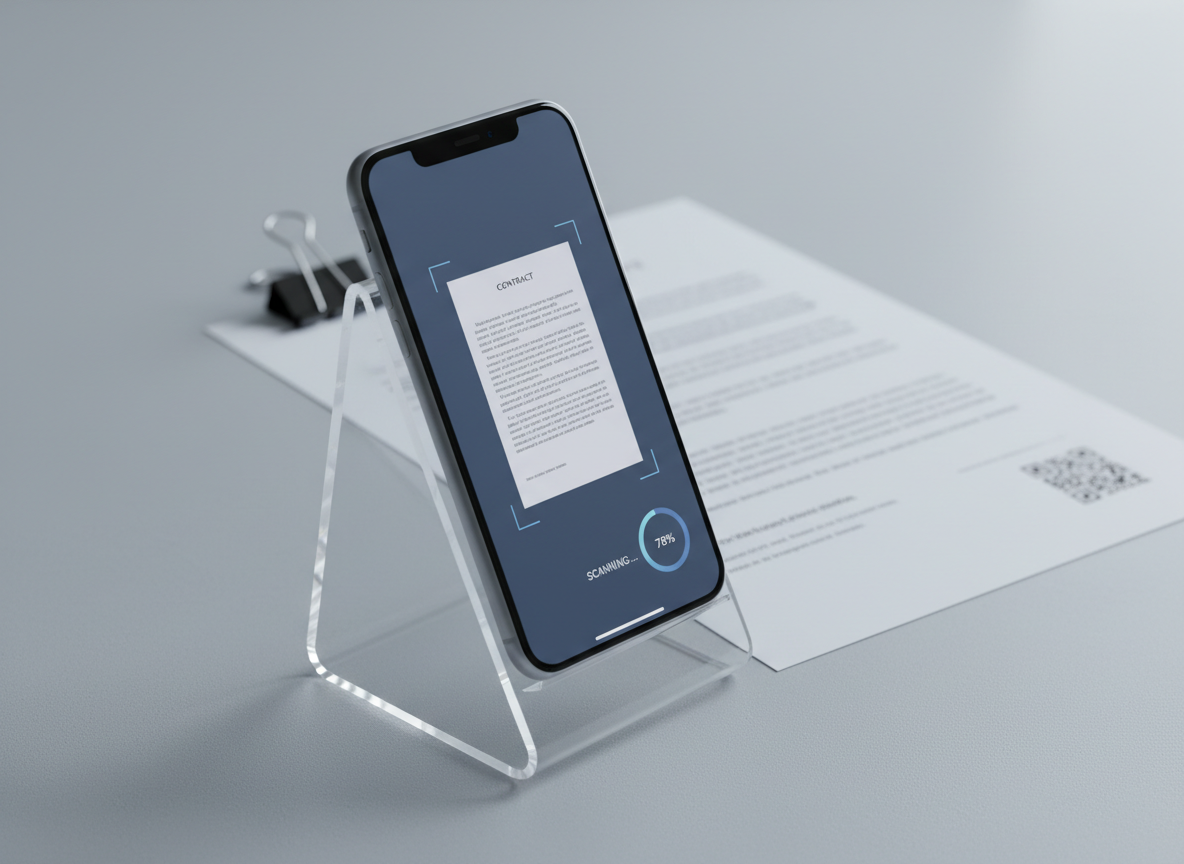
カメラで撮影した紙資料や画像からテキストを自動抽出できるOCR機能を搭載しています。認識したテキストは編集可能なPDFやWord形式で保存できるため、打ち合わせメモのデジタル化や、過去資料の検索性向上に役立ちます。また、Word文書の閲覧・編集・共有にも対応し、クラウドストレージとの連携で、複数デバイス間のファイル管理もスムーズに行えます。

ユーザーレビュー

評価 :5/5。

「iPhoneだけでPDFの編集から共有まで完結できるようになりました。マーカーやコメントも直感的に使えて、出先のちょっとした修正ならもうPCを開かなくて済みます。無料でここまでできるのは本当に助かります。」

— アヤ・ナカムラ

評価 :4/5。

「紙の書類をその場で撮影してOCR、すぐに検索可能なPDFに変換できるので、仕事の効率が大きく上がりました。文字認識の精度も高く、誤字の修正もアプリ内で簡単にできるのが便利です。」

— リラ・パテル

評価 :4/5。

「PDFのページ削除や並べ替え、結合など、普段パソコンでやっていた作業がすべてスマホで完結します。操作もシンプルで迷わず使えました。クラウド共有にもスムーズに対応していて、仕事相手とのやりとりが楽になりました。」

— マテオ・ガルシア

評価 :5/5。

「Wordファイルの確認と軽い修正のためだけにPCを立ち上げることが多かったのですが、このアプリを入れてからは通勤中にサッと対応できるようになりました。広告も控えめで、ストレスなく使えます。」

— アヤ・ナカムラ

An overhead view of an organized digital workspace where an iPad displays an OCR conversion screen, showing a scanned paper document transforming into editable text in real time. Beside the device lies the original printed page with crisp Japanese characters, aligned neatly under a transparent ruler. A compact wireless scanner and a tidy stack of labeled folders frame the scene. Bright, diffused daylight evenly illuminates the desktop, minimizing harsh shadows and making every detail legible. The mood is efficient and methodical, with a photographic realism that highlights precision. The balanced composition and sharp focus across the frame underscore the app’s ability to accurately recognize and edit documents on iOS.

アプリ概要

「PDF&Word 編集・共有ツール」は、個人利用からビジネス利用まで幅広く使えるドキュメント編集アプリです。広告収入のみで運営しているため、すべての主要機能を無料で利用できます。また、プライバシーを最優先し、個人情報やファイル内容をサーバーに保存しない設計を採用しています。シンプルなUIと軽快な動作で、誰でもすぐに使いこなせることを重視しています。

お問い合わせ

オンライン専用アプリ

技術的なご質問や不具合のご報告は、いつでもサポートメールにて受け付けています。通常1〜2営業日以内に返信いたします。

電話

support@example.app