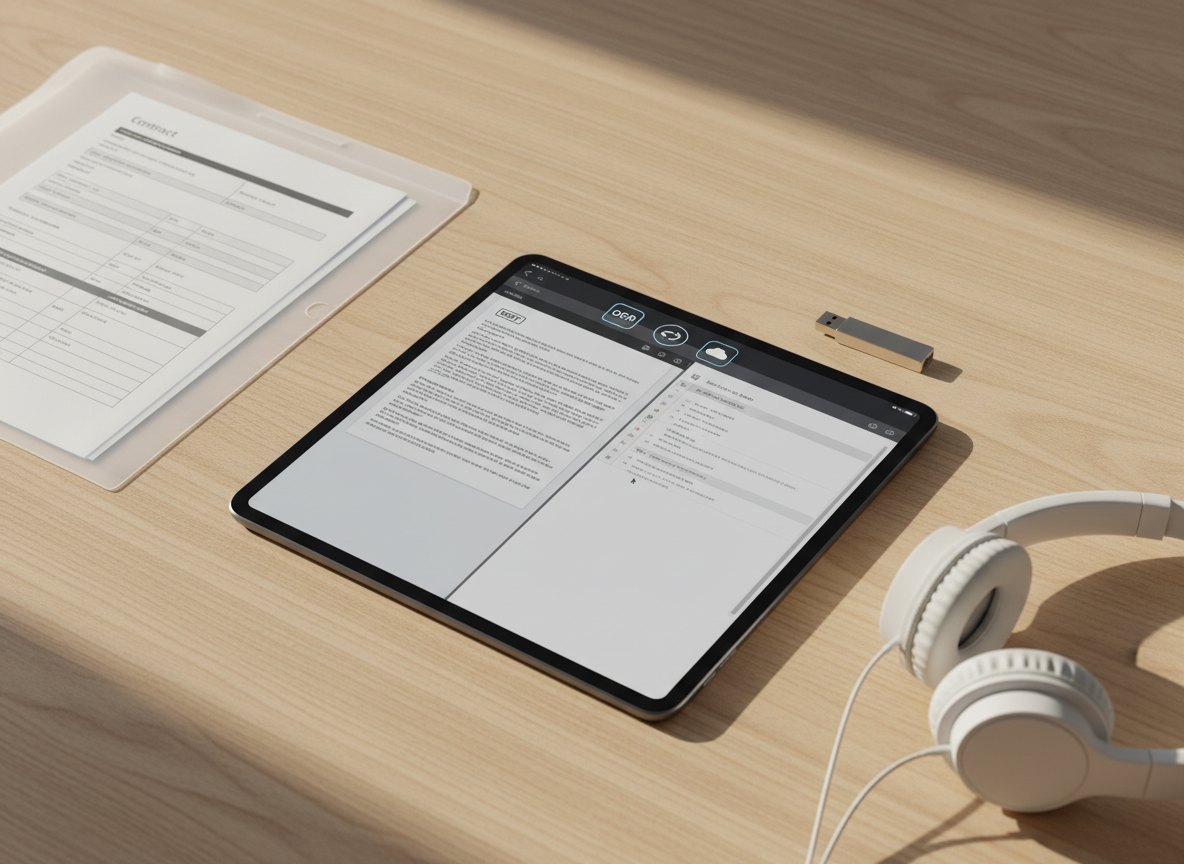
An iPad placed on a light wooden tabletop, its screen split between a PDF document and a Word document, demonstrating seamless editing of both formats. Icons for OCR, share options, and cloud storage appear along the top bar. Around the device are orderly items: a translucent folder with visible printed forms, a slim USB drive, and a pair of minimalist over-ear headphones resting nearby. Warm afternoon sunlight from the side casts soft, angled shadows and highlights the wood grain texture, creating a calm yet productive atmosphere. Shot from a three-quarter overhead angle with sharp focus throughout, the photographic style is clean, modern, and specifically tailored to showcase an all-in-one mobile document solution.

PDF&Word編集

iPhoneひとつで、PDFとWord文書の編集・共有・OCR認識まで完結する完全無料アプリです。サイン用の書類作成から資料の共同編集まで、個人情報を一切収集せずに安全にお使いいただけます。

オンラインイベント

2025年10月5日

Zoomウェビナー会場

オンライン

2025年10月12日

YouTubeライブ配信スタジオ

オンライン

2025年10月19日

開発チーム公開ミーティングルーム

オンライン

2025年10月8日

初心者向けPDF編集講座ルーム

オンライン

2025年10月15日

iOS活用ハンズオン会場

オンライン

2025年10月22日

クラウド連携デモルーム

オンライン

2025年10月29日

アップデート新機能紹介ルーム

オンライン

2025年11月5日

セキュリティ解説セミナールーム

オンライン開催

2025年11月12日

ユーザーQ&Aライブルーム

オンライン

メニュー

サポートメニュー

PDF編集ガイド

PDFのテキスト編集やページの追加・削除、しおり設定など、基本操作を画像付きで丁寧に解説したステップバイステップガイドです。

PDF編集、注釈、ページ並べ替えなど、アプリでできることを分かりやすく一覧で紹介します。

Word編集ガイド

Word文書の読み込みから編集、保存形式の選び方まで、パソコンなしで文書作業を完結させるためのポイントをまとめています。

スキャンした書類をテキスト化できるOCR機能の概要と、対応言語・活用例をまとめています。

OCRの使い方

紙の資料をカメラで撮影して文字データに変換するOCR機能のコツや、認識精度を高める撮影テクニックを紹介します。

Word文書の閲覧・編集・共有方法を、スクリーンショット付きで手順ごとに解説しています。

ページ整理

ページの並べ替えや分割・結合など、長いPDFを整理して読みやすくするための便利な機能を具体例とともに説明します。

クラウドやAirDropを使ったPDF/Wordファイルの共有方法と、共同編集のコツをまとめました。

注釈とマークアップ

ハイライトや下線、手書きメモ、スタンプ機能の使い方を学び、仕事や学習でのフィードバックを素早く残す方法を紹介します。

完全無料で使える範囲や、広告表示の有無など、料金と利用条件に関する情報を掲載しています。

共有とコラボ

リンク共有やパスワード保護付きのPDF送信など、相手に安全かつスムーズにファイルを共有するためのベストプラクティスを解説します。

個人情報を一切収集しない仕組みや、端末内保存のルールなど、プライバシー保護方針を説明します。

テンプレート集

見積書や契約書、議事録など、すぐに使えるPDF・Wordテンプレートを活用して、日々の書類作成時間を短縮するアイデア集です。

よくある質問(FAQ)として、インストール・バックアップ・データ移行などの疑問にお答えします。

よくある質問

アプリの動作が重い場合や同期されない場合など、よくあるトラブルのチェックポイントと簡単な解決手順をまとめています。

アプリの基本操作ガイドや、はじめてPDFを編集するときのおすすめ設定をコンパクトにまとめています。

トラブル解決

PDFやWord編集作業を効率化するためのおすすめジェスチャー操作や、iOSショートカットとの連携方法を紹介します。

お問い合わせフォームやサポート窓口へのリンク、返信までの目安時間などを案内しています。

ショートカット術

操作方法に迷ったときの問い合わせ手段や、アップデート情報の確認方法など、サポートを最大限活用するための案内ページです。

アップデート履歴と今後追加予定の機能を掲載し、継続的な改善への取り組みをお知らせします。

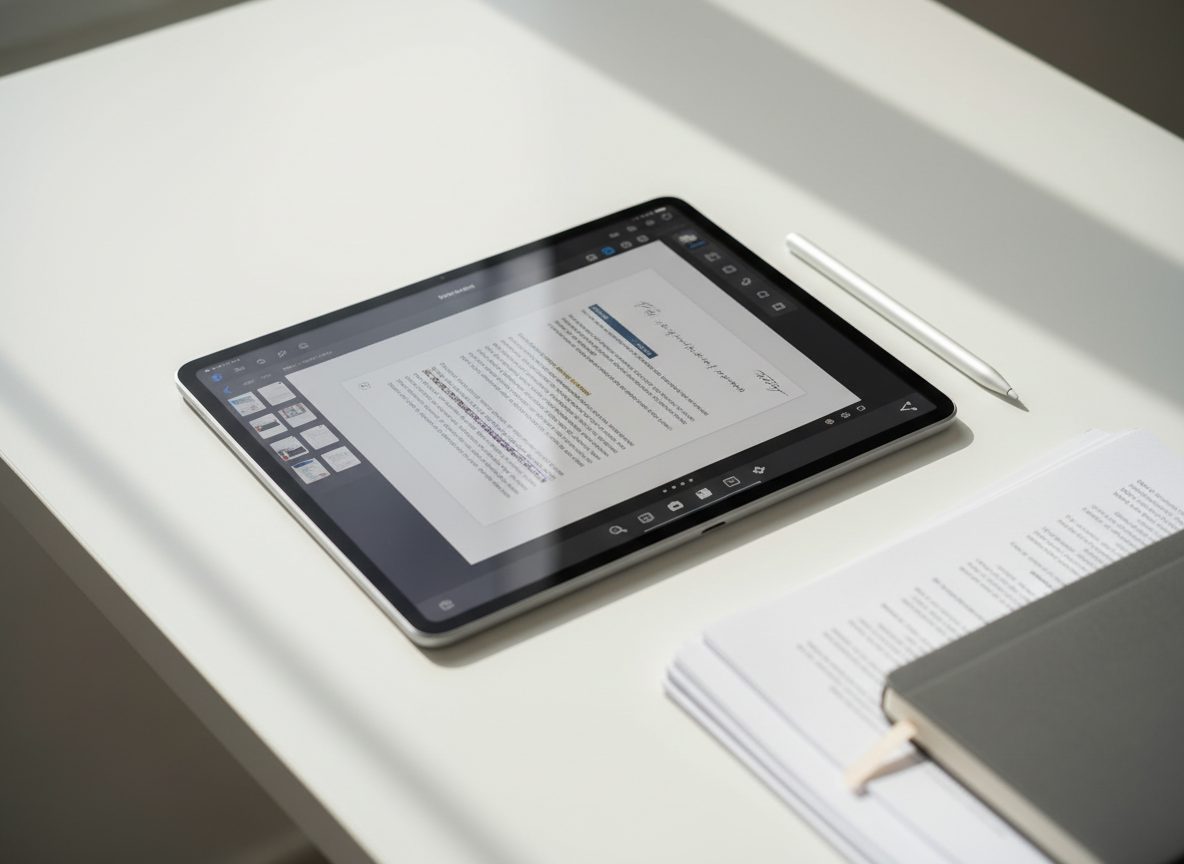
A sleek modern iPad lying on a clean white desk, its screen displaying a crisp interface of a PDF editing app with pages, annotation tools, and share icons clearly visible. Next to the device, precisely arranged, are a silver stylus, a neatly stacked set of printed documents, and a minimalist notebook, all in muted neutral tones. Soft daylight from an unseen window washes across the scene, creating gentle reflections on the glass screen and subtle shadows along the desk edge. Shot from a slightly elevated angle with shallow depth of field, the focus is on the iPad display, conveying a professional, clutter-free, photographic realism ideal for a business-focused PDF editing service.

App Storeから無料ダウンロードして、すぐにPDFとWord文書の編集・共有・OCR認識をお試しください。アカウント登録も一切不要です。

A sleek modern iPad lying on a clean white desk, its screen displaying a crisp interface of a PDF editing app with pages, annotation tools, and share icons clearly visible. Next to the device, precisely arranged, are a silver stylus, a neatly stacked set of printed documents, and a minimalist notebook, all in muted neutral tones. Soft daylight from an unseen window washes across the scene, creating gentle reflections on the glass screen and subtle shadows along the desk edge. Shot from a slightly elevated angle with shallow depth of field, the focus is on the iPad display, conveying a professional, clutter-free, photographic realism ideal for a business-focused PDF editing service.

個人情報を収集しない設計で、オフラインでも安心して使えるiOS専用PDF&Word編集ツールとして、日々の文書作業をシンプルにします。