A stark, minimalist composition featuring an iPad on a dark slate surface, its lock screen clearly displaying security icons such as a shield and a crossed-out profile silhouette, emphasizing privacy and no personal data collection. Around the device, there are no clutter or extra objects, just a subtle reflection of the tablet on the surface. Cool-toned studio lighting from above creates a focused pool of light on the device, fading into soft darkness at the edges of the frame. The shot is centered and symmetrical, photographed at a slight angle from above, conveying trust, protection, and a highly professional, business-oriented aesthetic in realistic detail.

PDF編集アプリ

このアプリは、PDFの編集・注釈・結合、OCRによる文字認識、さらにはWord文書の作成と共有まで、すべてをiOS上で完結できる完全無料ツールです。個人情報を収集しない設計にこだわり、安心して仕事や学習にご利用いただけます。

使い方ガイド

PDFへの文字追記や署名の入れ方、スキャンした書類のOCR手順、Wordファイルとしての書き出し方法など、便利な使い方を記事形式でくわしく紹介しています。アプリをもっと活用したい方は、最新のガイド記事をぜひチェックしてください。

お問い合わせ

「こういう編集ができると便利」「この操作がわかりにくい」など、アプリの使い方に関するご質問やご要望があれば、下記フォームからお気軽にお知らせください。今後の機能改善やヘルプ記事の充実に、皆さまの声を活かしてまいります。

必須

← 戻る

ご回答をありがとうございました。 ✨

An overhead view of an organized digital workspace where an iPad displays an OCR conversion screen, showing a scanned paper document transforming into editable text in real time. Beside the device lies the original printed page with crisp Japanese characters, aligned neatly under a transparent ruler. A compact wireless scanner and a tidy stack of labeled folders frame the scene. Bright, diffused daylight evenly illuminates the desktop, minimizing harsh shadows and making every detail legible. The mood is efficient and methodical, with a photographic realism that highlights precision. The balanced composition and sharp focus across the frame underscore the app’s ability to accurately recognize and edit documents on iOS.

開発チーム

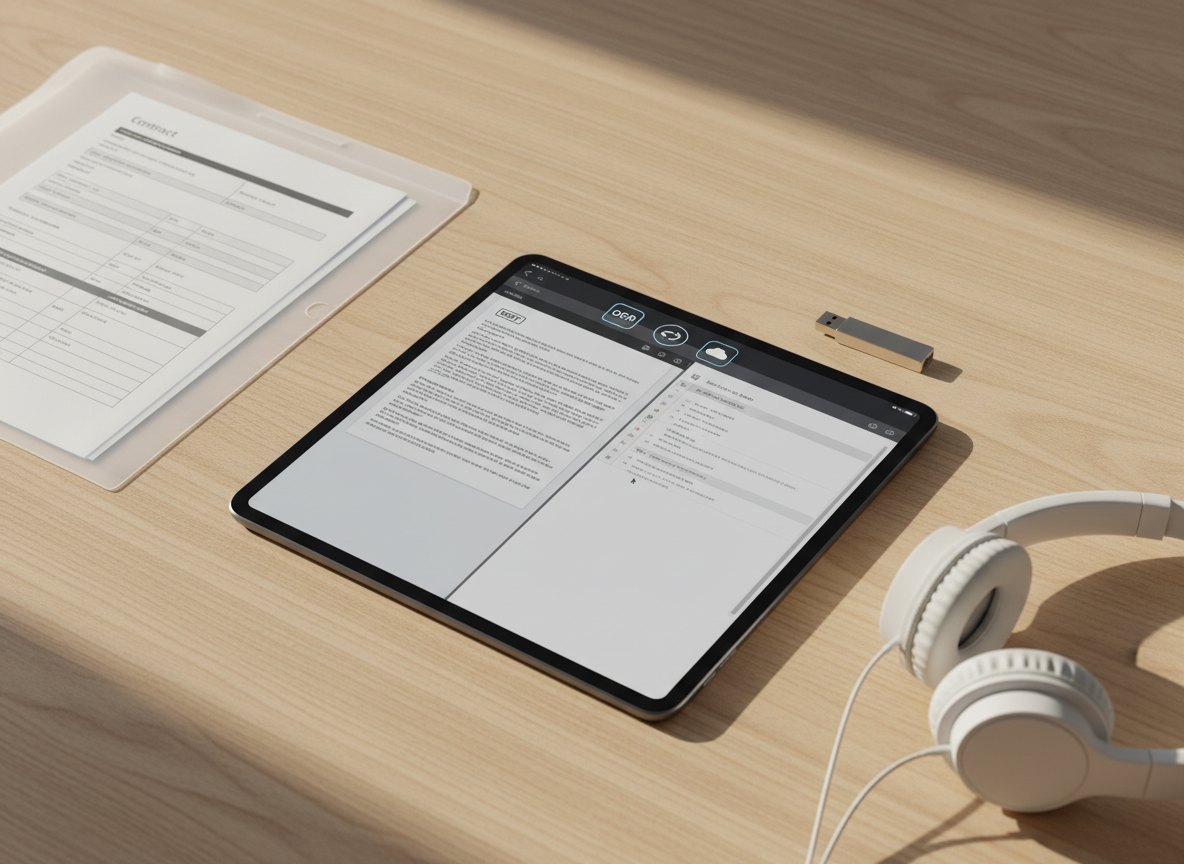
An iPad placed on a light wooden tabletop, its screen split between a PDF document and a Word document, demonstrating seamless editing of both formats. Icons for OCR, share options, and cloud storage appear along the top bar. Around the device are orderly items: a translucent folder with visible printed forms, a slim USB drive, and a pair of minimalist over-ear headphones resting nearby. Warm afternoon sunlight from the side casts soft, angled shadows and highlights the wood grain texture, creating a calm yet productive atmosphere. Shot from a three-quarter overhead angle with sharp focus throughout, the photographic style is clean, modern, and specifically tailored to showcase an all-in-one mobile document solution.

「アーラヴ・シャルマ」

CEO

私たちは、iOS上でストレスなくPDFやWordファイルを扱える体験を追求するエンジニアとデザイナーの少数精鋭チームです。個人情報を一切収集しない設計ポリシーのもと、安心して毎日使える無料ツールづくりに取り組んでいます。
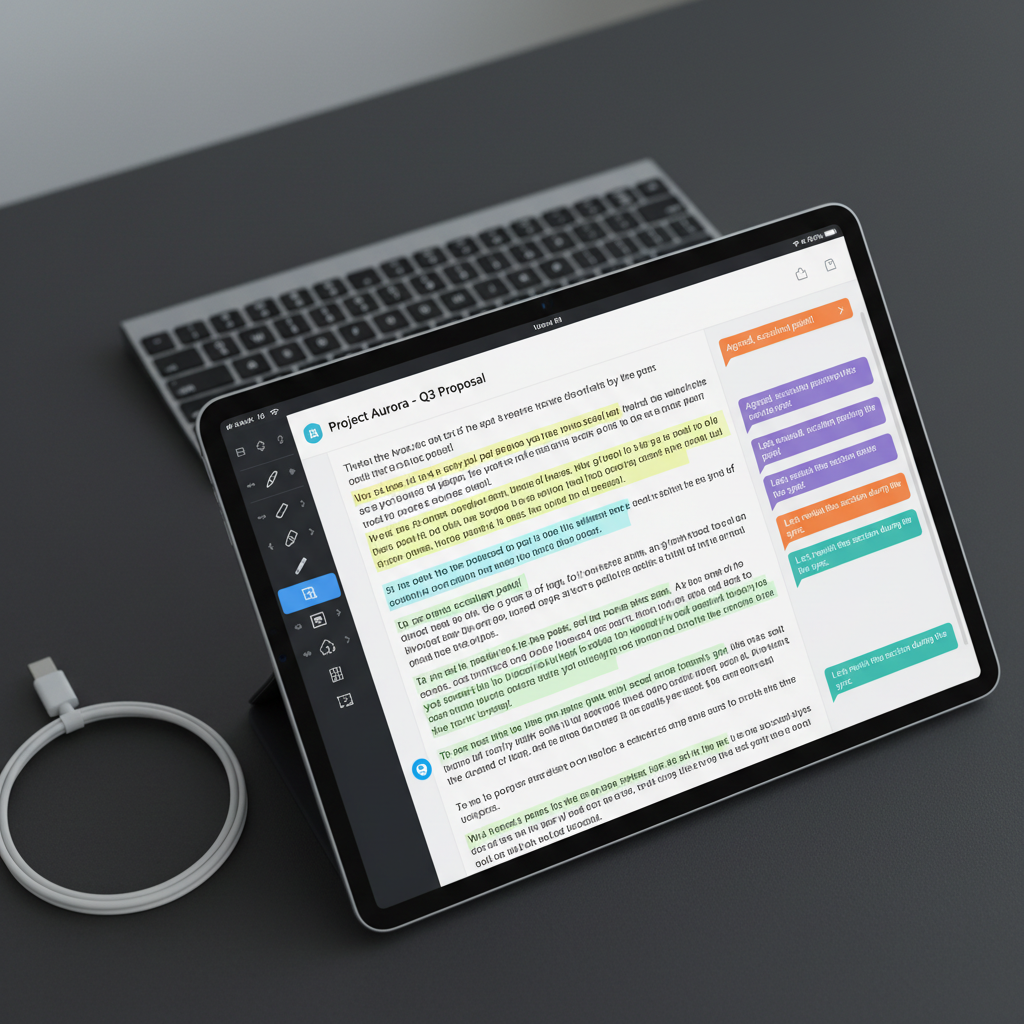
A close-up of an iPad screen showing a detailed PDF document with highlighted text, comments in colored speech-bubble style boxes, and visible annotation tools along the side, emphasizing collaboration and editing. The device rests on a matte charcoal desk surface, with a USB-C cable neatly coiled beside it and a sleek wireless keyboard slightly out of focus in the background. Cool, diffused overhead lighting gives an even, professional illumination with minimal glare on the screen. Captured at eye level with a tight, centered composition and subtle bokeh in the background, the image feels precise, efficient, and modern, reinforcing the power and clarity of a mobile PDF editing and sharing app.

マテオ・ガルシア

CTO

モバイル向けPDFエディタの開発経験が豊富なエンジニアが、直感的な操作性と高速な処理を両立させています。iPhoneでもiPadでも同じように快適に使えるよう、OSアップデートへの迅速な対応を欠かしません。

A stark, minimalist composition featuring an iPad on a dark slate surface, its lock screen clearly displaying security icons such as a shield and a crossed-out profile silhouette, emphasizing privacy and no personal data collection. Around the device, there are no clutter or extra objects, just a subtle reflection of the tablet on the surface. Cool-toned studio lighting from above creates a focused pool of light on the device, fading into soft darkness at the edges of the frame. The shot is centered and symmetrical, photographed at a slight angle from above, conveying trust, protection, and a highly professional, business-oriented aesthetic in realistic detail.

ズリ・ンドロヴ

エンジニア

UI・UXデザイナーは、「迷わず触れる」画面設計にこだわり、初めての方でも数タップで編集・共有が完了するフローを設計しています。余計な広告や情報を排し、文書だけに集中できる体験をめざしています。
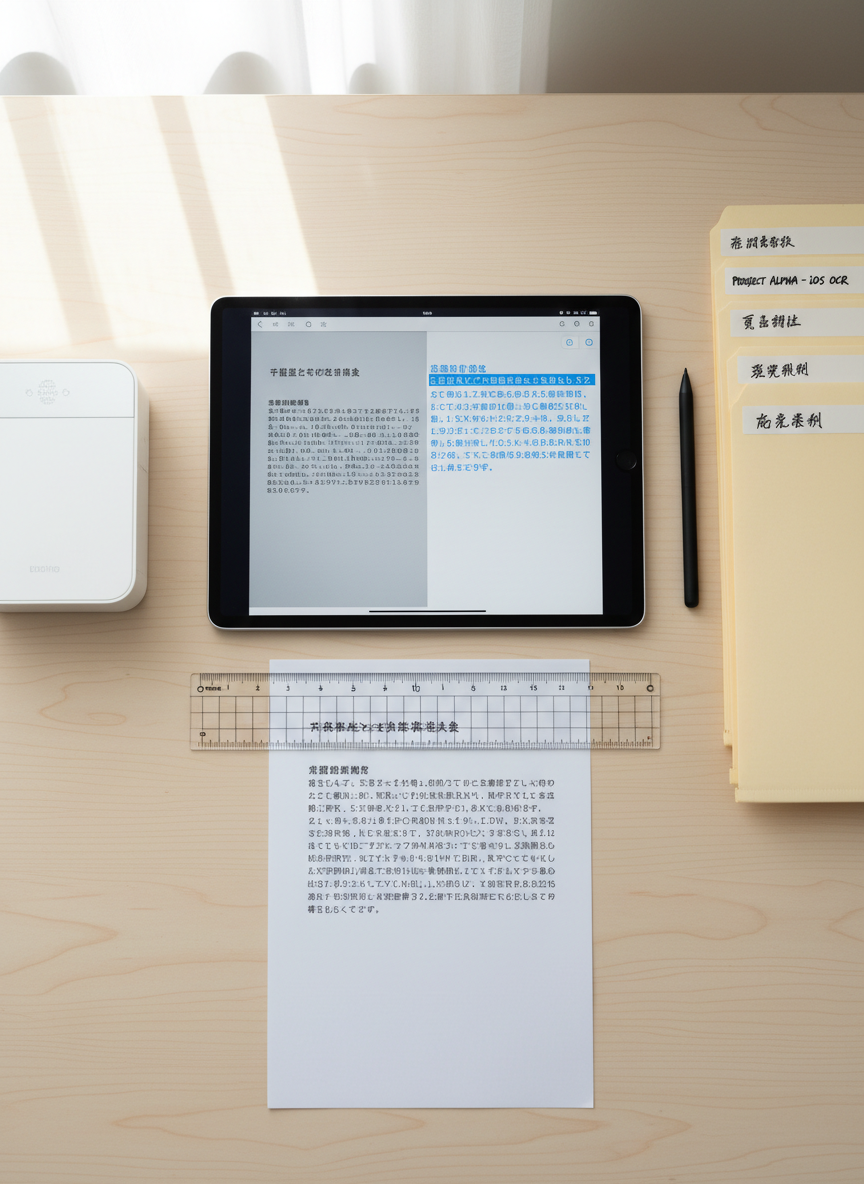
An overhead view of an organized digital workspace where an iPad displays an OCR conversion screen, showing a scanned paper document transforming into editable text in real time. Beside the device lies the original printed page with crisp Japanese characters, aligned neatly under a transparent ruler. A compact wireless scanner and a tidy stack of labeled folders frame the scene. Bright, diffused daylight evenly illuminates the desktop, minimizing harsh shadows and making every detail legible. The mood is efficient and methodical, with a photographic realism that highlights precision. The balanced composition and sharp focus across the frame underscore the app’s ability to accurately recognize and edit documents on iOS.

レイラ・ハッダッド

デザイナー

サポート担当は、ユーザーからのご意見・ご要望を丁寧に分析し、機能改善やガイド記事に素早く反映します。小さな使い勝手の違和感も見逃さず、日々のアップデートで解消していくことを大切にしています。