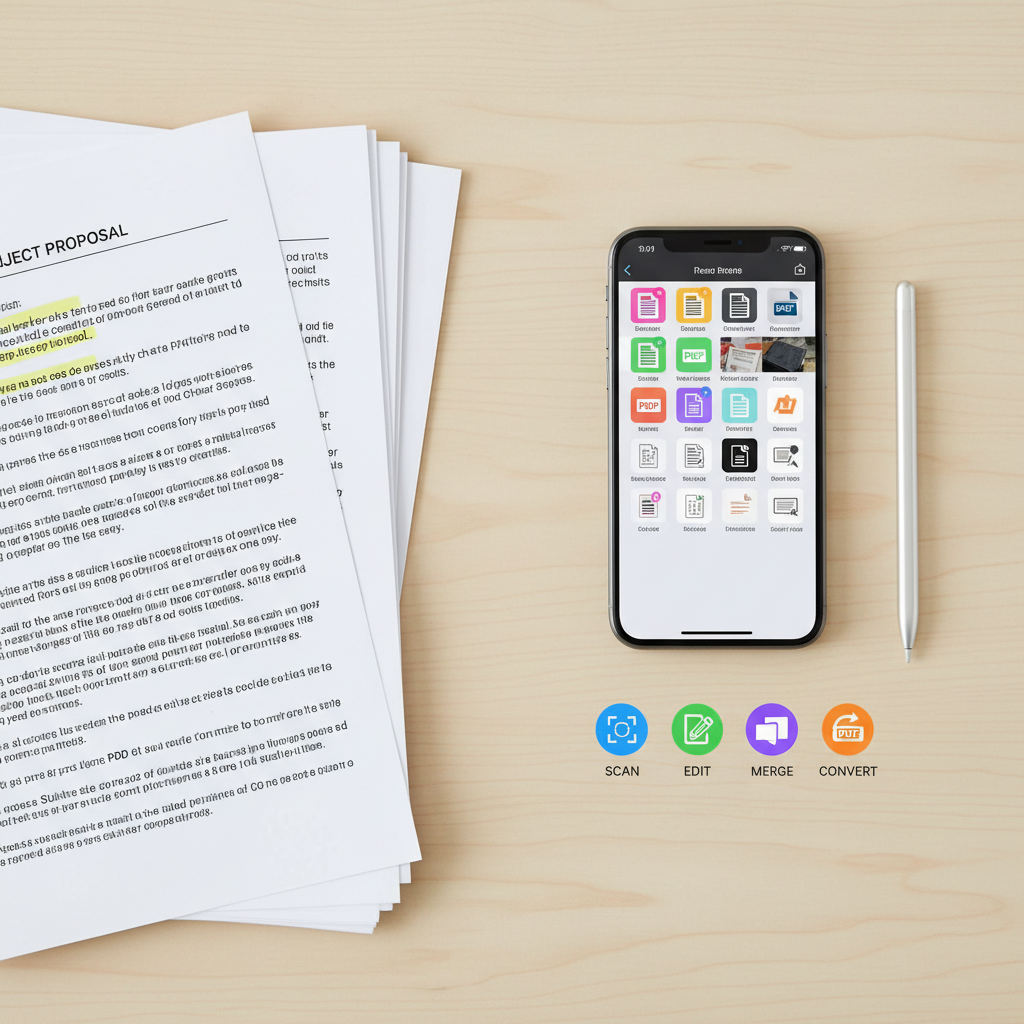
An immaculate overhead view of a wooden desk with a stack of physical papers on one side and a tidy grid of digital PDF thumbnails shown on an iPhone screen on the other, symbolizing paper-to-digital conversion. The papers have visible, crisp printed text and highlighted notes, while the phone screen displays sharp, colorful icons for scan, edit, merge, and convert functions. Soft, diffused natural light from above eliminates harsh shadows, creating a balanced, professional atmosphere. A slim, metallic stylus rests precisely beside the phone. Photographic realism with a flat lay composition emphasizes clarity and organization, ideal for conveying the simplicity of managing documents on an iPhone PDF app.

PDF編集・スキャンアプリ

iPhoneのカメラで撮影するだけで、紙の書類をきれいなPDFに変換し、その場で編集・共有まで完了できるオールインワンのPDFアプリです。外出先で受け取った資料もすぐにデータ化してクラウドに保存できるので、ファイル探しや持ち運びのストレスから解放されます。毎日の授業や仕事の資料管理を、もっとシンプルでスマートにしませんか。

主な機能

このPDFアプリひとつで、紙の書類を高画質スキャンし、そのまま文字の追記・マーカー・注釈などの編集ができます。複数のPDFをドラッグ操作でかんたんに結合したり、画像やWord・ExcelからPDFへ変換することも可能です。授業プリントから契約書まで、バラバラの資料をすべてデジタルで一元管理でき、面倒な書類整理の時間を大幅に短縮します。
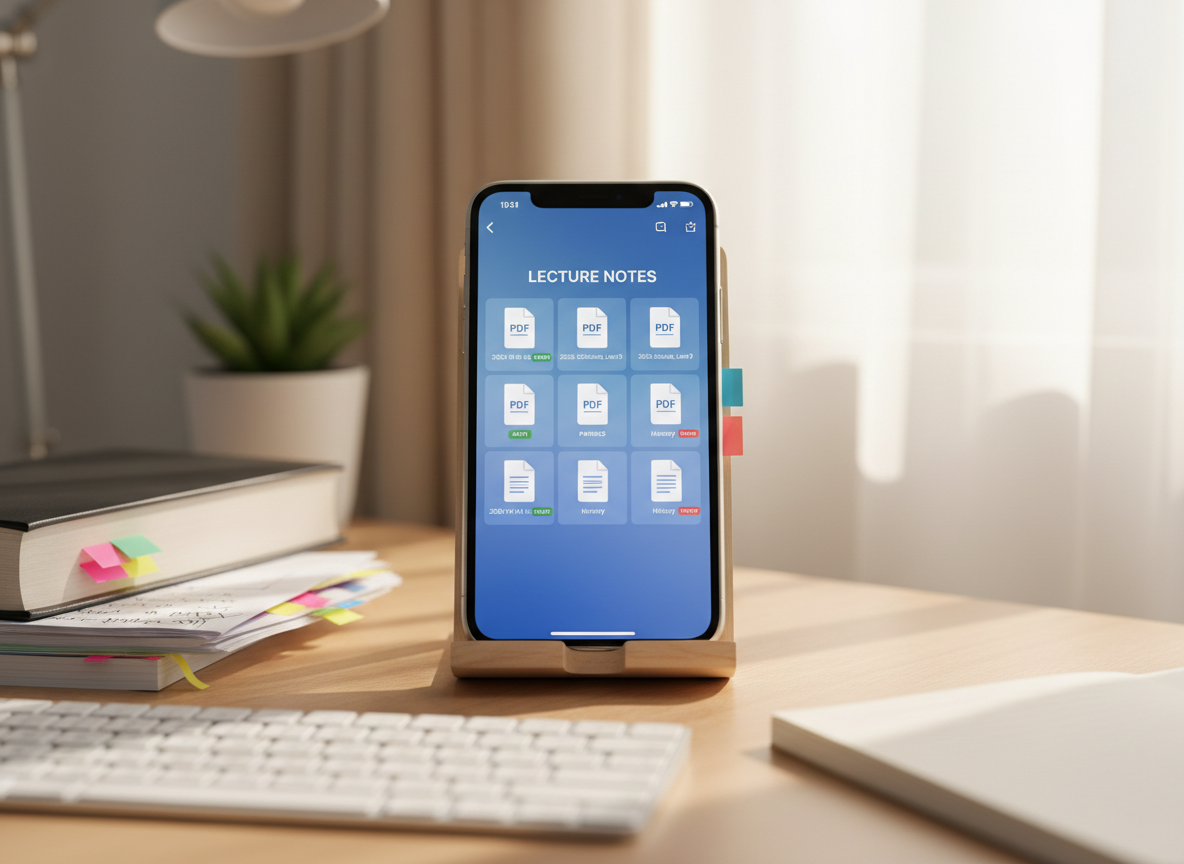
A bright study desk setup where an iPhone rests against a simple wooden book stand, its screen displaying neatly organized PDF lecture notes, each file labeled by date and subject with color-coded tags. Nearby, a stack of printed handouts and a closed textbook with sticky tabs suggest previous clutter. A subtle blue gradient wallpaper on the phone complements the interface colors. Soft morning sunlight streams in from the right, creating gentle highlights on the phone’s edges and a warm, focused pool of light across the desk surface. Captured at eye level with moderate depth of field, the image blends photographic realism with a calm, studious mood, illustrating how the PDF app helps students manage class materials efficiently.
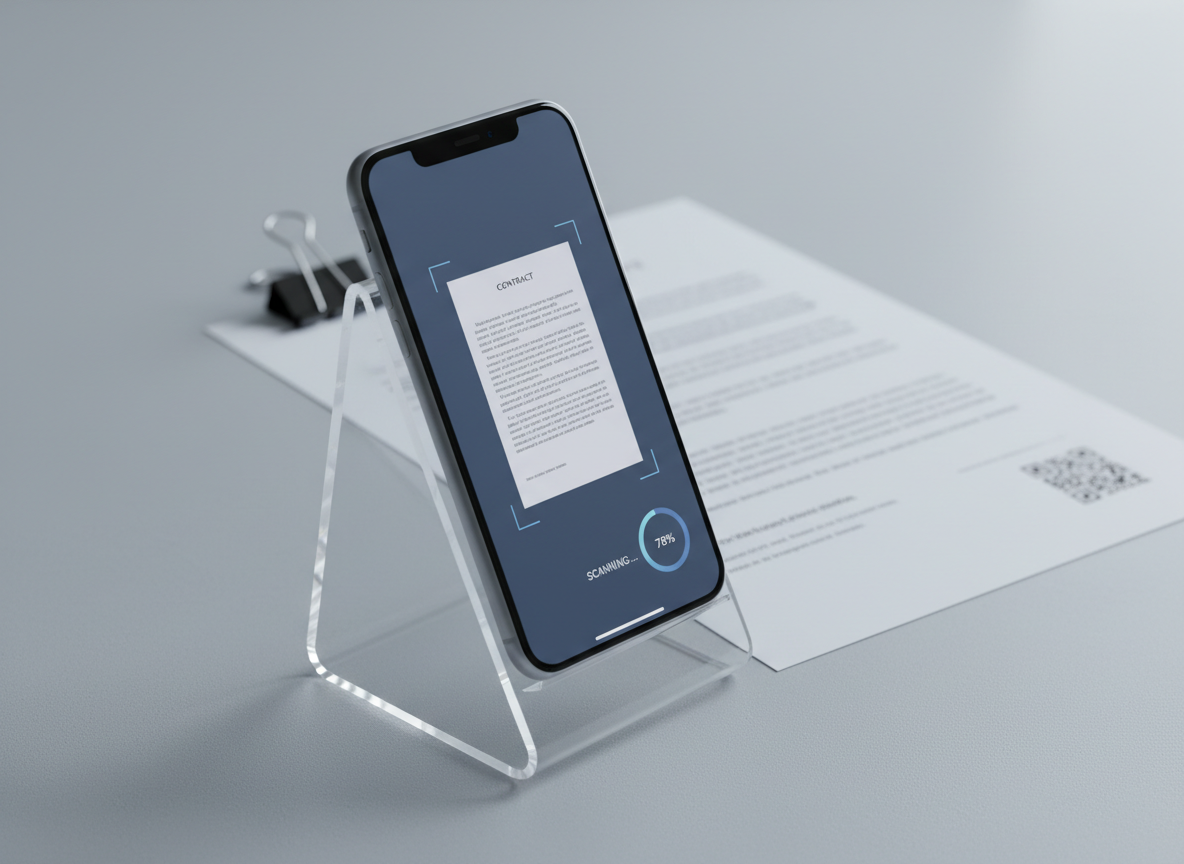
A close-up, side-angle shot of an iPhone standing in a minimalist transparent stand on a light grey workspace, its screen showing a PDF document being scanned in real time with a subtle blue frame around the page and a progress indicator. Behind the phone, slightly out of focus, lies a single contract page on the desk, aligned with a stainless-steel clip and a discreet barcode visible. Cool, even studio lighting from both sides creates a polished, reflection-free surface on the phone and desk, with clean shadows. The mood is precise and tech-forward, with photographic realism and a professional, business-oriented visual style that highlights accurate scanning for contracts and important documents.
An immaculate overhead view of a wooden desk with a stack of physical papers on one side and a tidy grid of digital PDF thumbnails shown on an iPhone screen on the other, symbolizing paper-to-digital conversion. The papers have visible, crisp printed text and highlighted notes, while the phone screen displays sharp, colorful icons for scan, edit, merge, and convert functions. Soft, diffused natural light from above eliminates harsh shadows, creating a balanced, professional atmosphere. A slim, metallic stylus rests precisely beside the phone. Photographic realism with a flat lay composition emphasizes clarity and organization, ideal for conveying the simplicity of managing documents on an iPhone PDF app.
A bright study desk setup where an iPhone rests against a simple wooden book stand, its screen displaying neatly organized PDF lecture notes, each file labeled by date and subject with color-coded tags. Nearby, a stack of printed handouts and a closed textbook with sticky tabs suggest previous clutter. A subtle blue gradient wallpaper on the phone complements the interface colors. Soft morning sunlight streams in from the right, creating gentle highlights on the phone’s edges and a warm, focused pool of light across the desk surface. Captured at eye level with moderate depth of field, the image blends photographic realism with a calm, studious mood, illustrating how the PDF app helps students manage class materials efficiently.