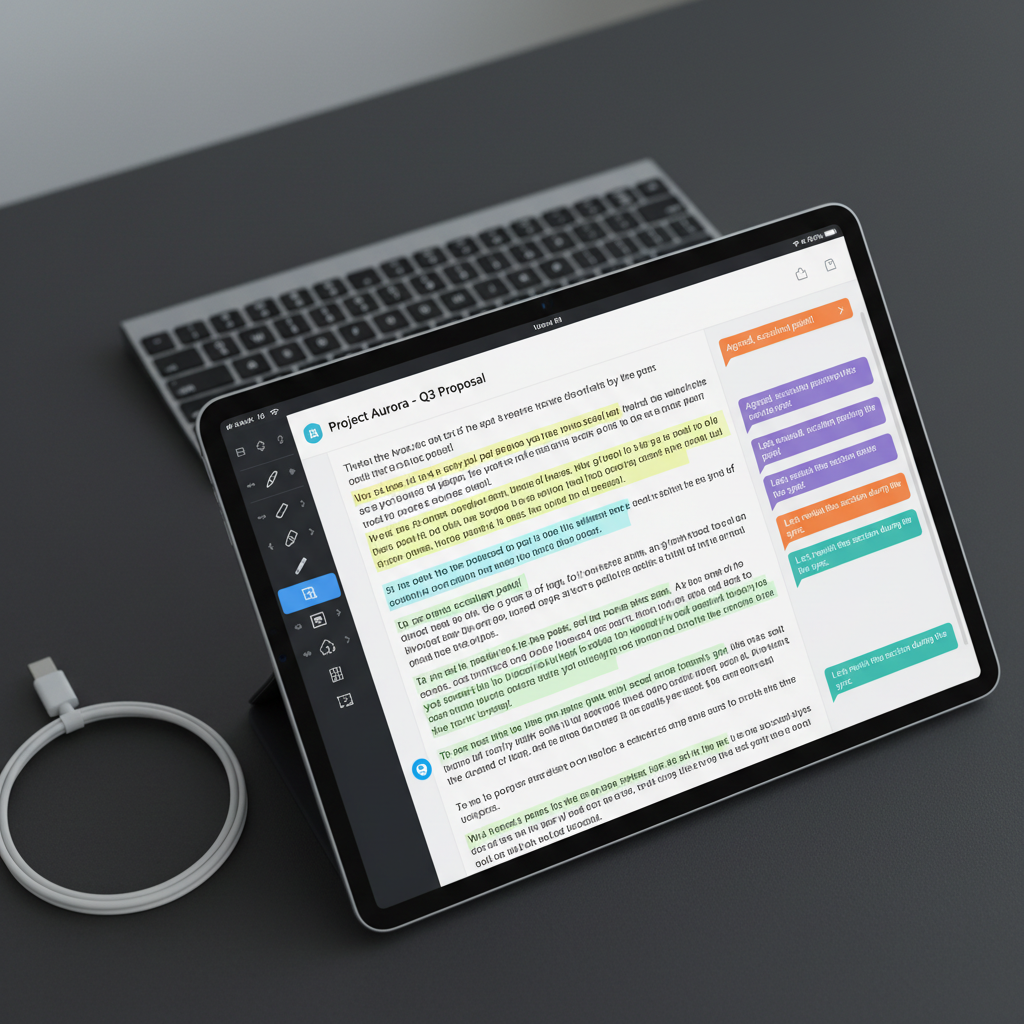
A close-up of an iPad screen showing a detailed PDF document with highlighted text, comments in colored speech-bubble style boxes, and visible annotation tools along the side, emphasizing collaboration and editing. The device rests on a matte charcoal desk surface, with a USB-C cable neatly coiled beside it and a sleek wireless keyboard slightly out of focus in the background. Cool, diffused overhead lighting gives an even, professional illumination with minimal glare on the screen. Captured at eye level with a tight, centered composition and subtle bokeh in the background, the image feels precise, efficient, and modern, reinforcing the power and clarity of a mobile PDF editing and sharing app.

PDF編集アプリ

iOS向けの完全無料ツールで、PDFやWordの編集・共有、OCR認識まで、プライバシーを守りながらスマホだけで完結します。
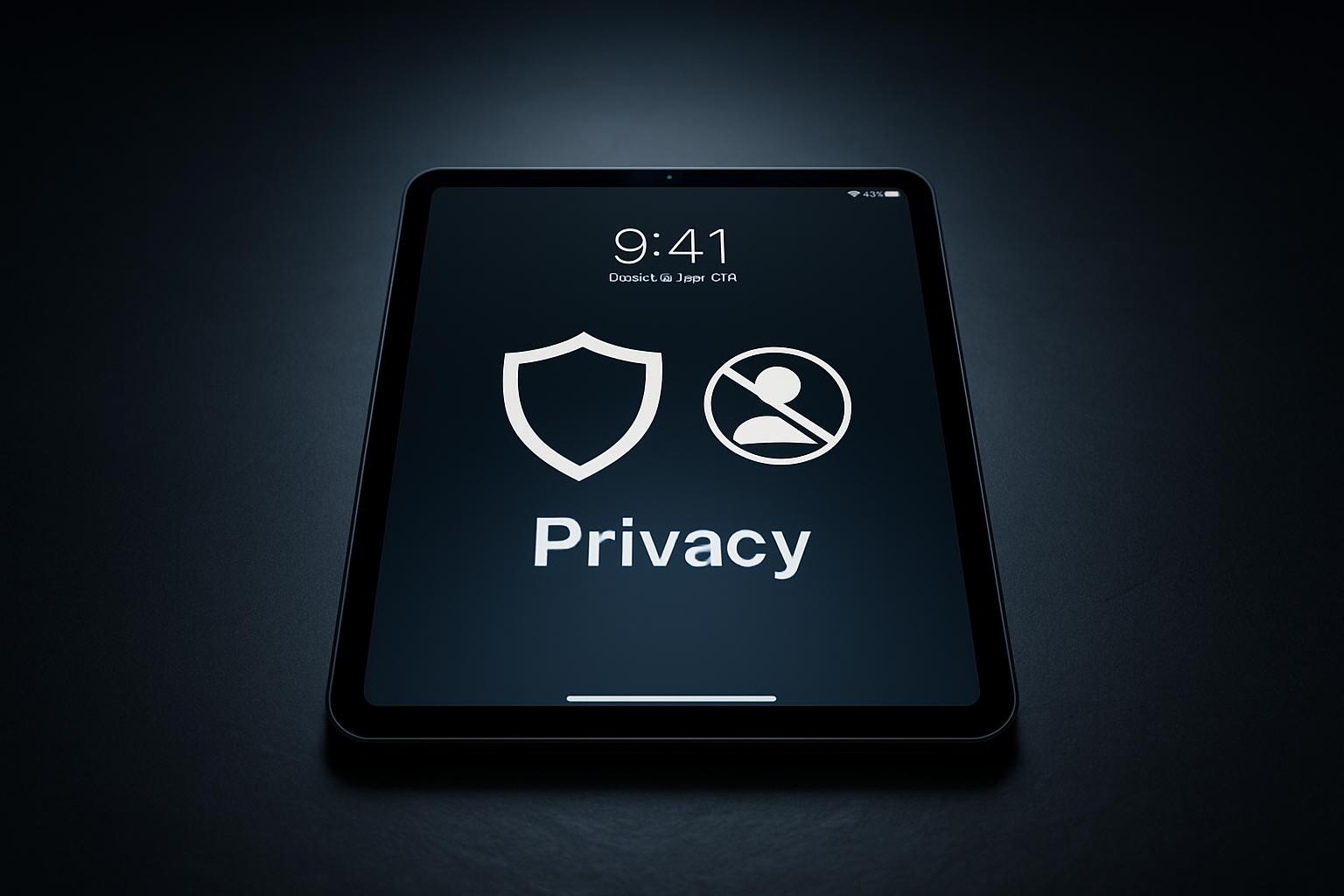
A stark, minimalist composition featuring an iPad on a dark slate surface, its lock screen clearly displaying security icons such as a shield and a crossed-out profile silhouette, emphasizing privacy and no personal data collection. Around the device, there are no clutter or extra objects, just a subtle reflection of the tablet on the surface. Cool-toned studio lighting from above creates a focused pool of light on the device, fading into soft darkness at the edges of the frame. The shot is centered and symmetrical, photographed at a slight angle from above, conveying trust, protection, and a highly professional, business-oriented aesthetic in realistic detail.
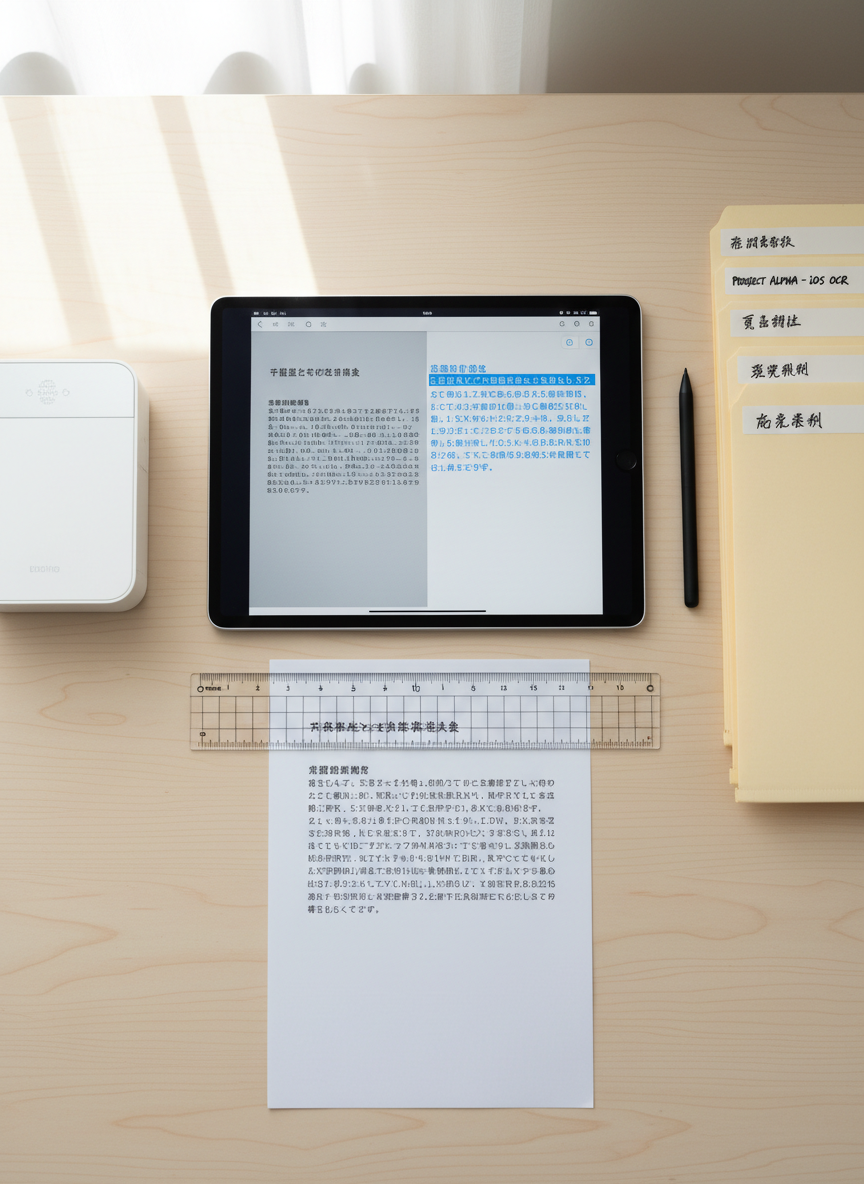
An overhead view of an organized digital workspace where an iPad displays an OCR conversion screen, showing a scanned paper document transforming into editable text in real time. Beside the device lies the original printed page with crisp Japanese characters, aligned neatly under a transparent ruler. A compact wireless scanner and a tidy stack of labeled folders frame the scene. Bright, diffused daylight evenly illuminates the desktop, minimizing harsh shadows and making every detail legible. The mood is efficient and methodical, with a photographic realism that highlights precision. The balanced composition and sharp focus across the frame underscore the app’s ability to accurately recognize and edit documents on iOS.
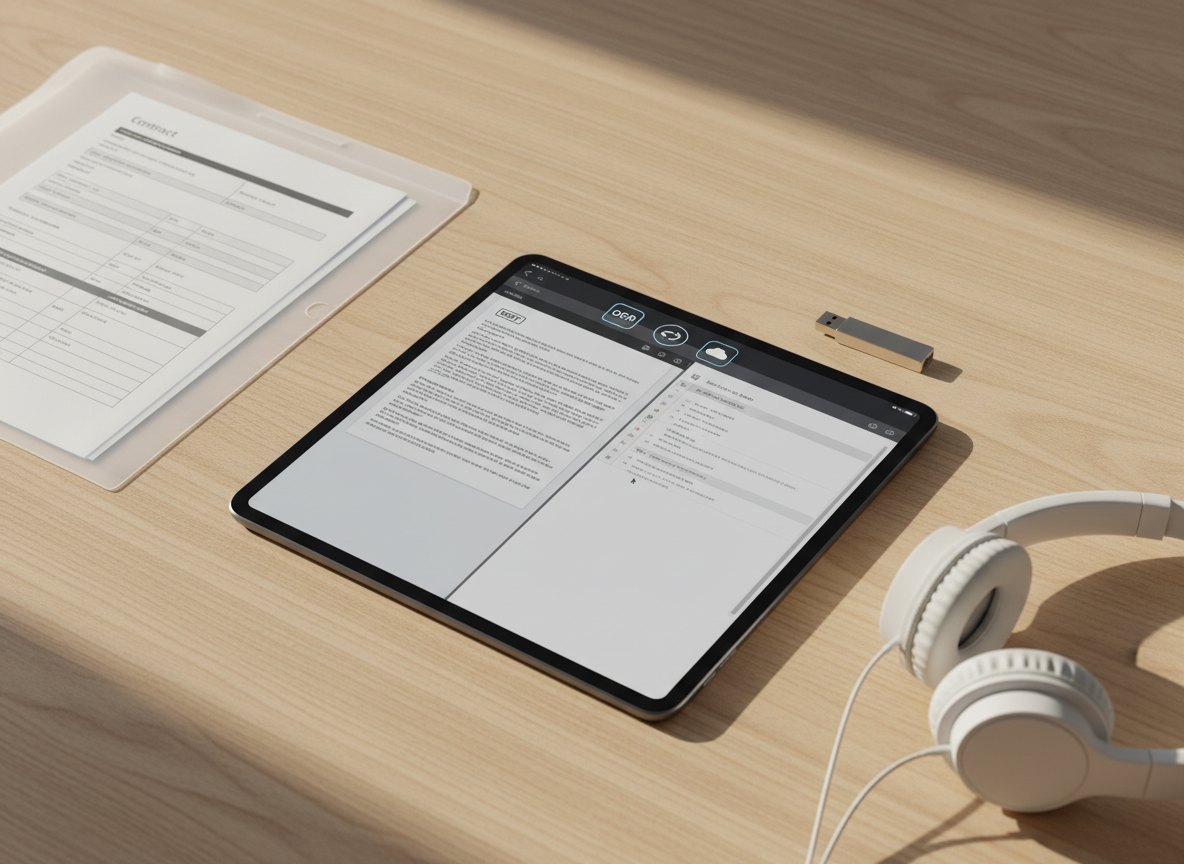
An iPad placed on a light wooden tabletop, its screen split between a PDF document and a Word document, demonstrating seamless editing of both formats. Icons for OCR, share options, and cloud storage appear along the top bar. Around the device are orderly items: a translucent folder with visible printed forms, a slim USB drive, and a pair of minimalist over-ear headphones resting nearby. Warm afternoon sunlight from the side casts soft, angled shadows and highlights the wood grain texture, creating a calm yet productive atmosphere. Shot from a three-quarter overhead angle with sharp focus throughout, the photographic style is clean, modern, and specifically tailored to showcase an all-in-one mobile document solution.

料金プラン

個人利用無料

すべてのPDF・Word編集機能、OCR認識、クラウド共有まで完全無料でお使いいただけます。買い切り料金やアプリ内課金、月額サブスクリプションは一切なく、インストールしたその日からずっと0円でご利用可能です。広告表示のために個人情報を収集することもありません。

✓ PDFの編集・結合・分割が無制限

✓無制限

✓ OCRテキスト認識も追加料金なし

✓ Word文書の編集・共有も無料対応

ビジネスも無料

本アプリは料金プランを分けておらず、無料版=フル機能版です。ページ数や編集回数の制限、ウォーターマークの強制表示、後から発生する追加料金・自動更新課金などは一切ありません。安心してPDF・Wordの編集と共有に集中していただけます。

✓ チームとのPDF・Word共有機能

✓広告なし

✓ オフラインでも主要機能が利用可能

✓ 個人情報の収集なしで安心利用

最新情報を購読

新機能や改善アップデート、PDF編集の便利な使い方などをメールでお届けします。いつでもワンタップで配信停止できます。

A close-up of an iPad screen showing a detailed PDF document with highlighted text, comments in colored speech-bubble style boxes, and visible annotation tools along the side, emphasizing collaboration and editing. The device rests on a matte charcoal desk surface, with a USB-C cable neatly coiled beside it and a sleek wireless keyboard slightly out of focus in the background. Cool, diffused overhead lighting gives an even, professional illumination with minimal glare on the screen. Captured at eye level with a tight, centered composition and subtle bokeh in the background, the image feels precise, efficient, and modern, reinforcing the power and clarity of a mobile PDF editing and sharing app.